
Every receipt, one point
Zenith reads receipts and invoices, compares your grocery basket across chains and keeps track of who owes you. For you and for your business.
A web app: it opens in your browser, no download and no install.
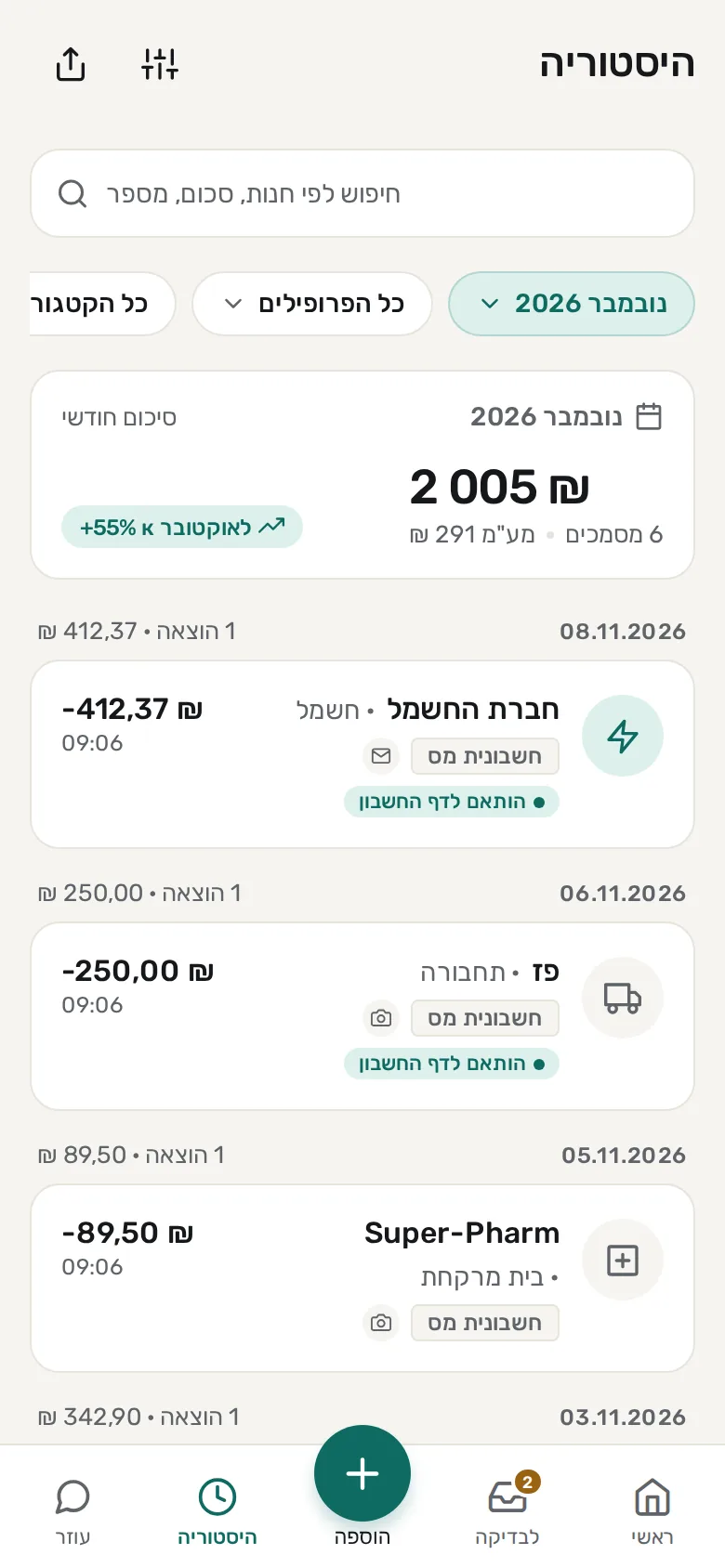
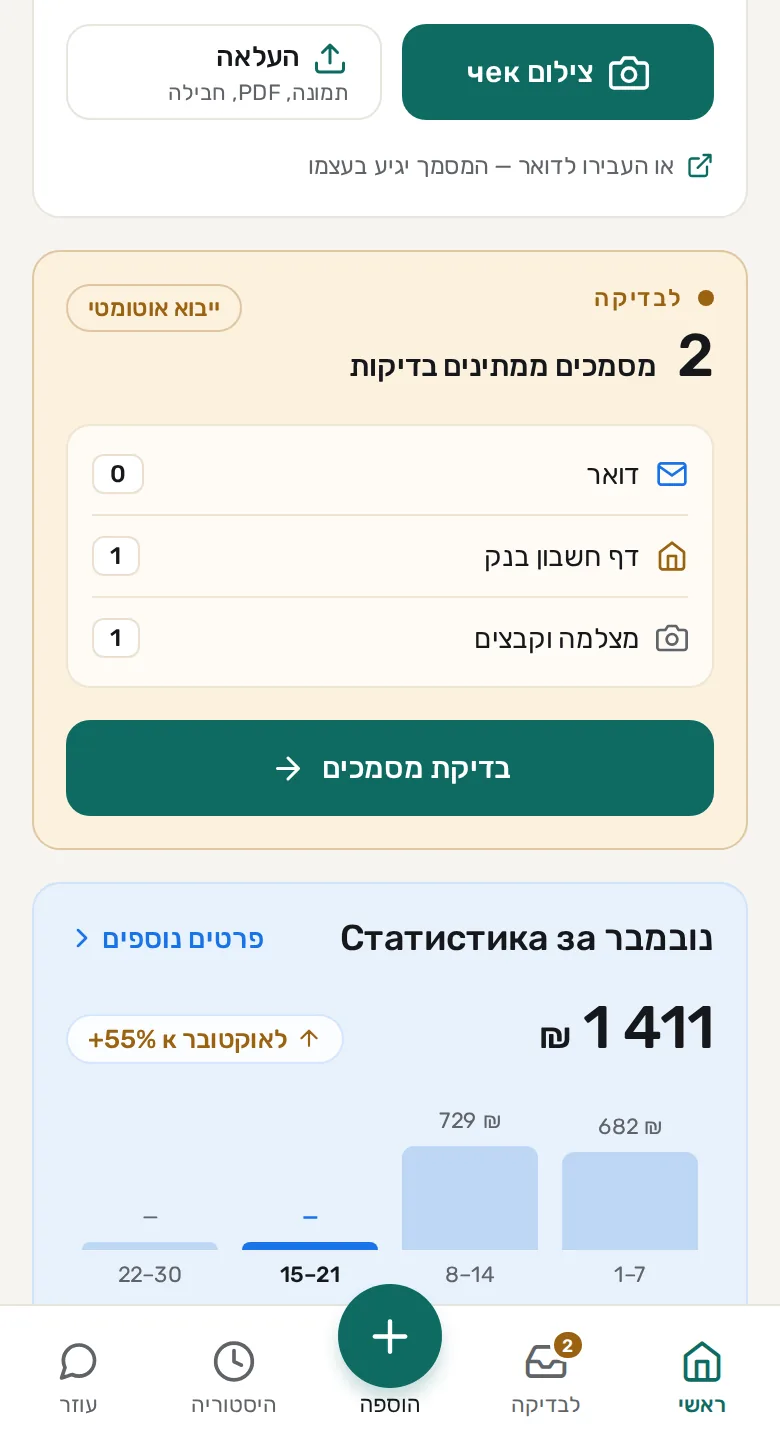
Photograph a document, Zenith reads it
Take a photo of a receipt or invoice, or upload an image or a file. Zenith finds the amount, the date and the seller’s details, and shows everything for you to check before saving.
What it is and who sent it
Every document comes with a short explanation: what kind of document it is and who sent it.
Automatic translation
The document and its notes are translated into the language you choose.
Expense category
Every document gets a category, so you can see where the money goes.
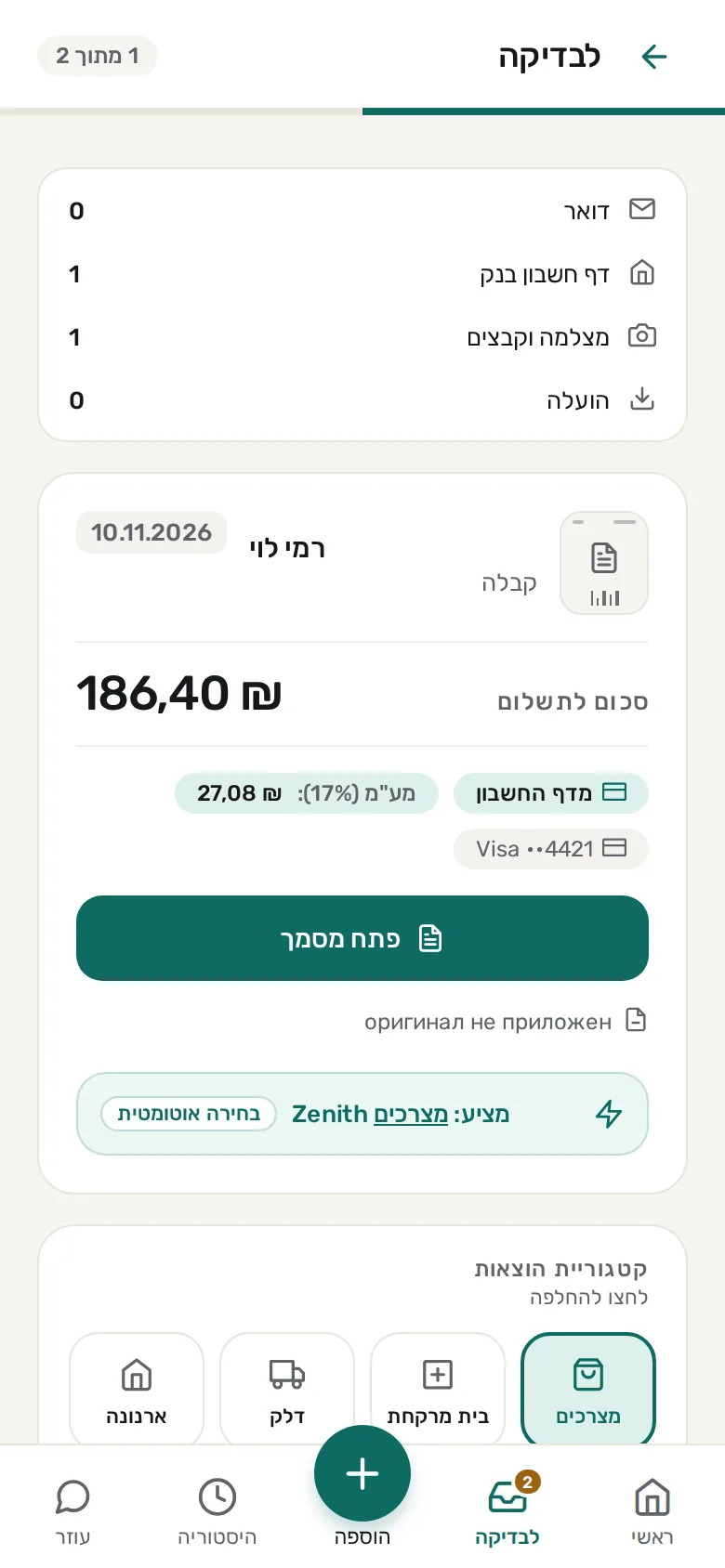
Screens are from demo mode: the data in them is sample data.
Smart basket: where to buy for less
Photograph a few supermarket receipts and Zenith learns what you buy regularly. It compares your basket across chains and shows where it costs less. Prices are updated from open data published by the chains, and the comparison uses the products found in all of them.
Chains, for example
- Shufersal
- Rami Levy
- Yohananof
- Osher Ad
Who owes you, in one place
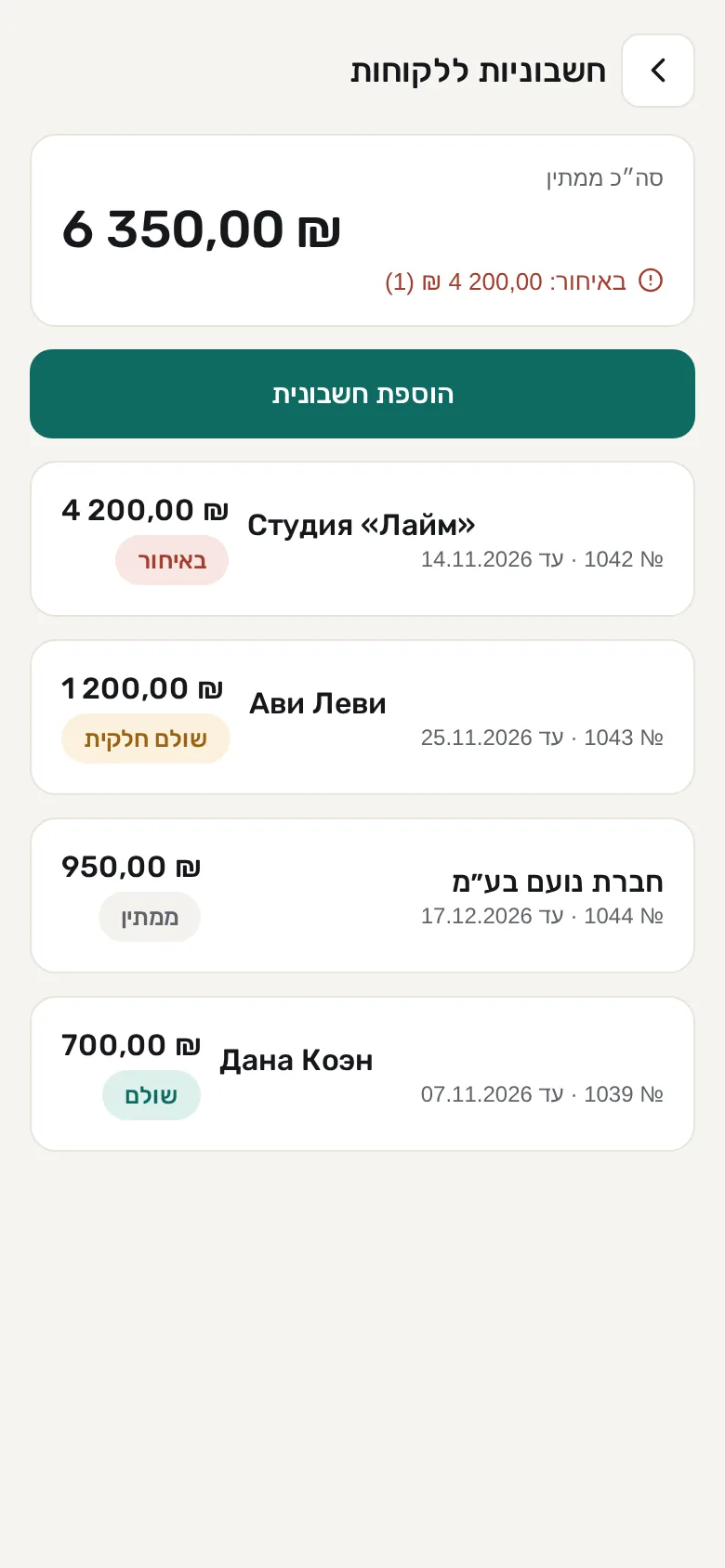
Client invoices sit in a single list: how much money is waiting to be paid, what is already overdue and what was paid in part. When the money arrives, mark the payment.
And more, for you and for your business
Personal and business profiles
Two separate profiles. For business you can choose osek patur, osek murshe or a company (Ltd), and mark which part of an expense belongs to the business.
Expense categories
Ready-made categories for expenses and income, and you can edit them.
Subscriptions and reminders
Add subscriptions and regular bills and get a reminder before payment.
Languages
Hebrew, Russian, English, Ukrainian and Arabic.
Coming soon: invoices from email and Google Drive
New Gmail, Outlook and Google Drive connections are in development. Until then, add documents from the camera, from a photo or from a file.
Your documents stay with you
Your documents and data are stored on your device, not in a document database on a server. When a document is read, it goes to a server for processing and is not kept there. In the web app, data is stored in the browser where you opened it.
Save Zenith to your phone screen
The app opens in your browser. This is how you add it to your home screen, so it opens with one tap like any other app.
On iPhone
- Open app.izenith.app in Safari.
- Tap the Share button.
- Choose “Add to Home Screen”.
- Tap “Add”.
On Android
- Open app.izenith.app in Chrome.
- Open the menu, the three dots in the corner.
- Choose “Install app”, or “Add to Home screen” if that is the option you see.
- Confirm.